Xiaoqi CAD
Xiaoqi CAD
Draw · harness CAD workbench
Browser harness CAD from Cableassembly.ai.Draw.Web: canvas, DXF, module library, and Xiaoqi AI.

What you get
Harness CAD and reusable modules: draw in the browser, import DXF, call Xiaoqi. Drawings and the library share one bench.
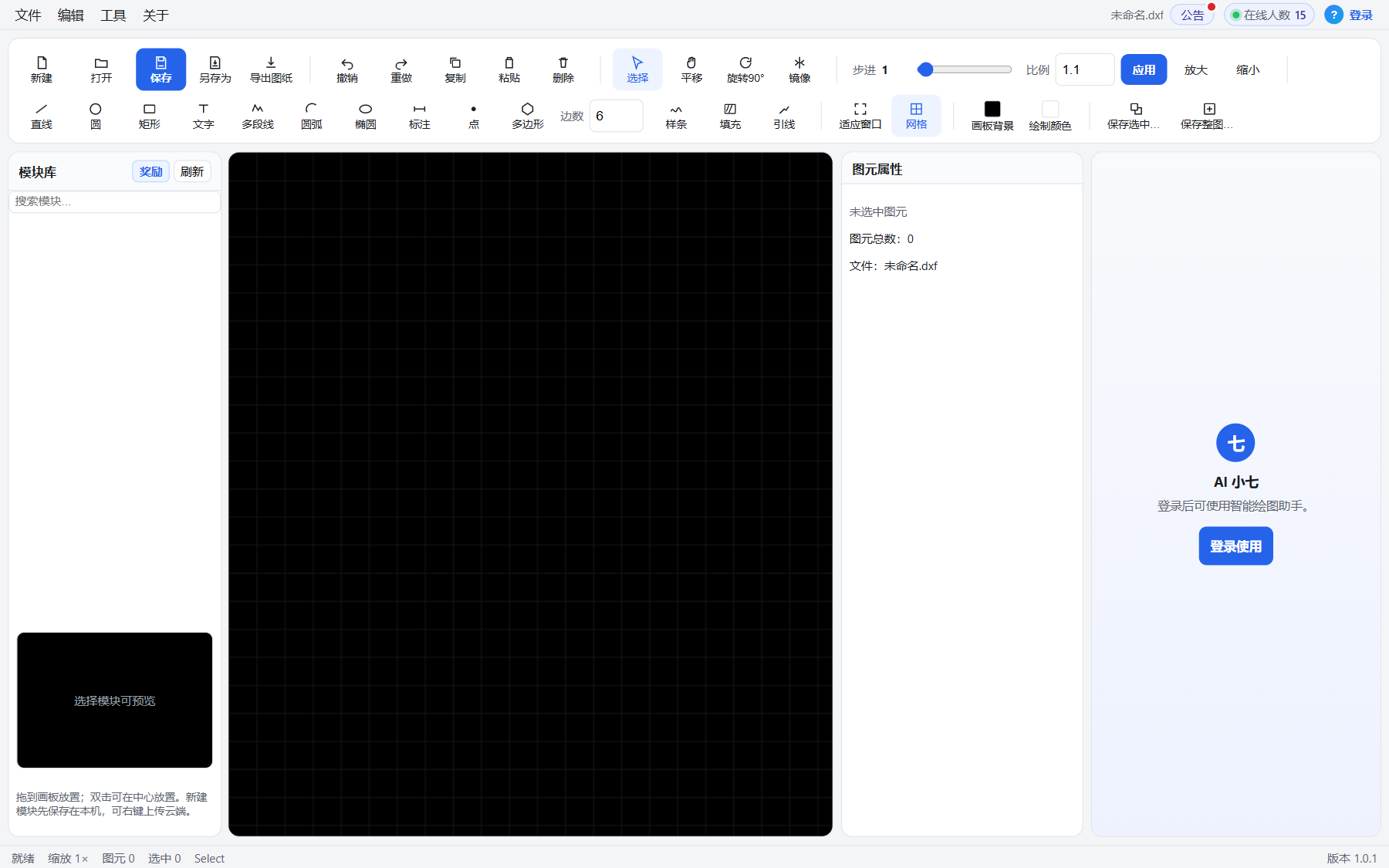
Browser CAD canvas (lines, circles, polylines, dims)
DXF import/export and local drafts
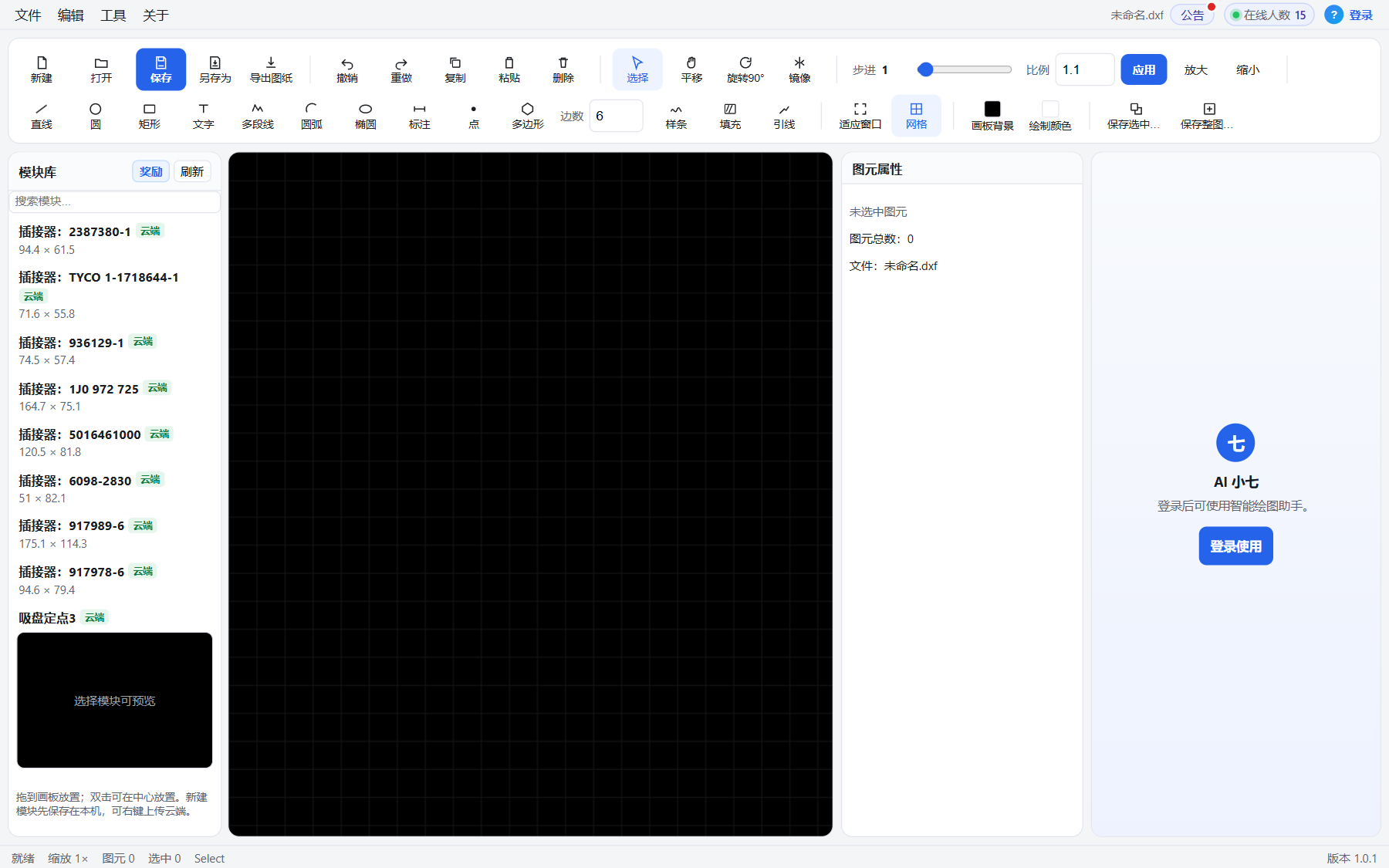
Module library: selection or whole drawing as reusable modules
Xiaoqi AI for reading drawings and assist
Accounts, plan quotas and admin
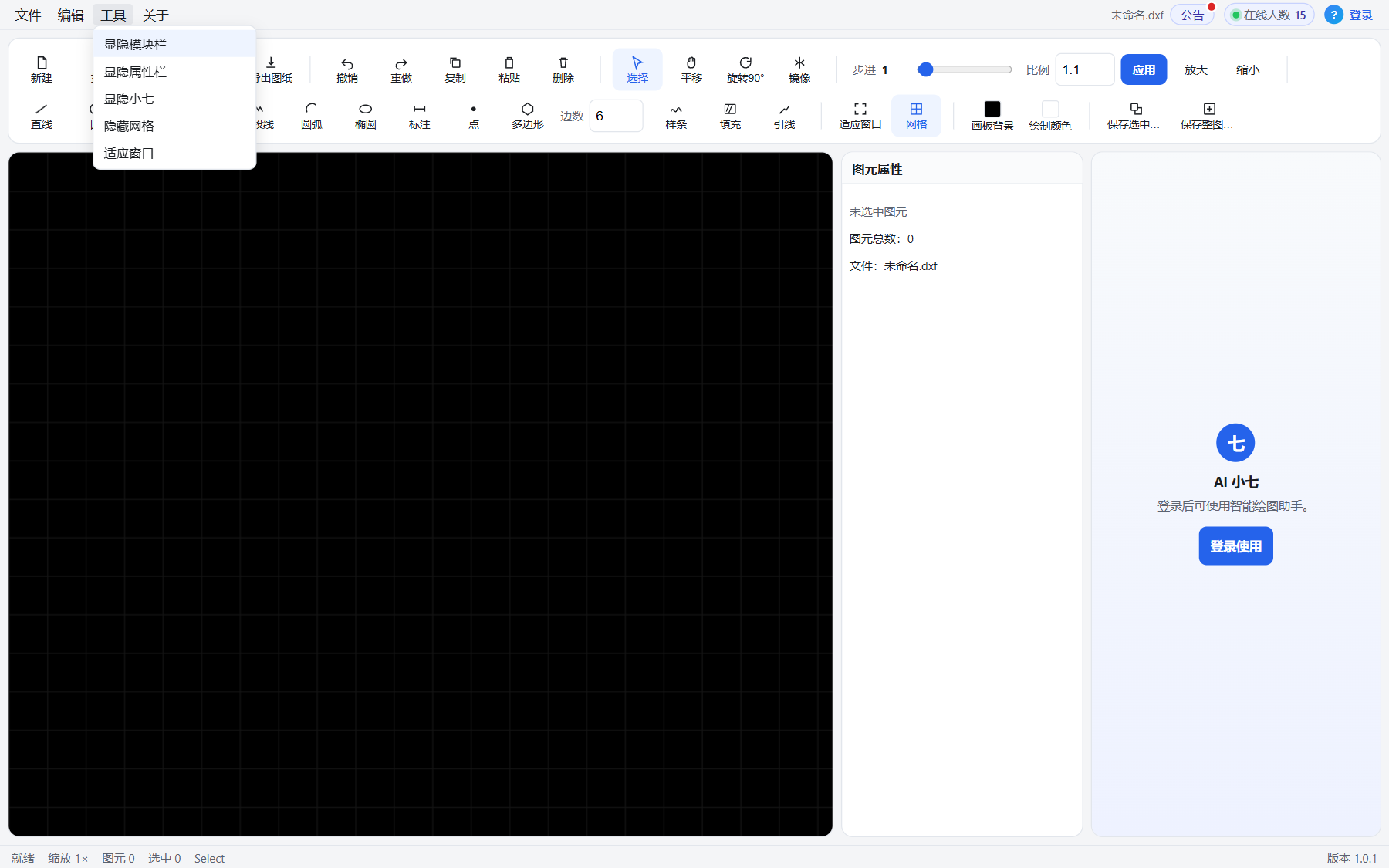
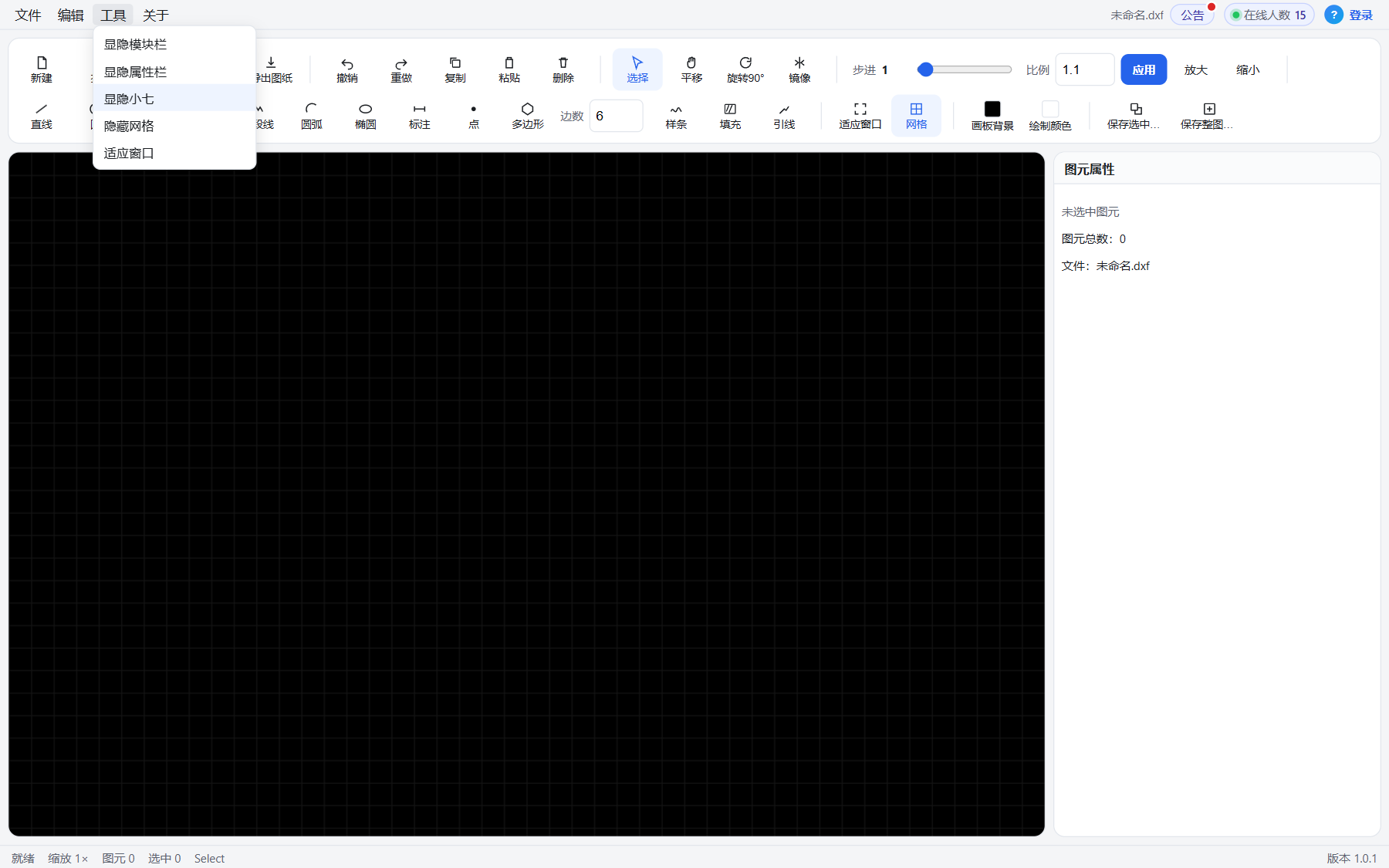
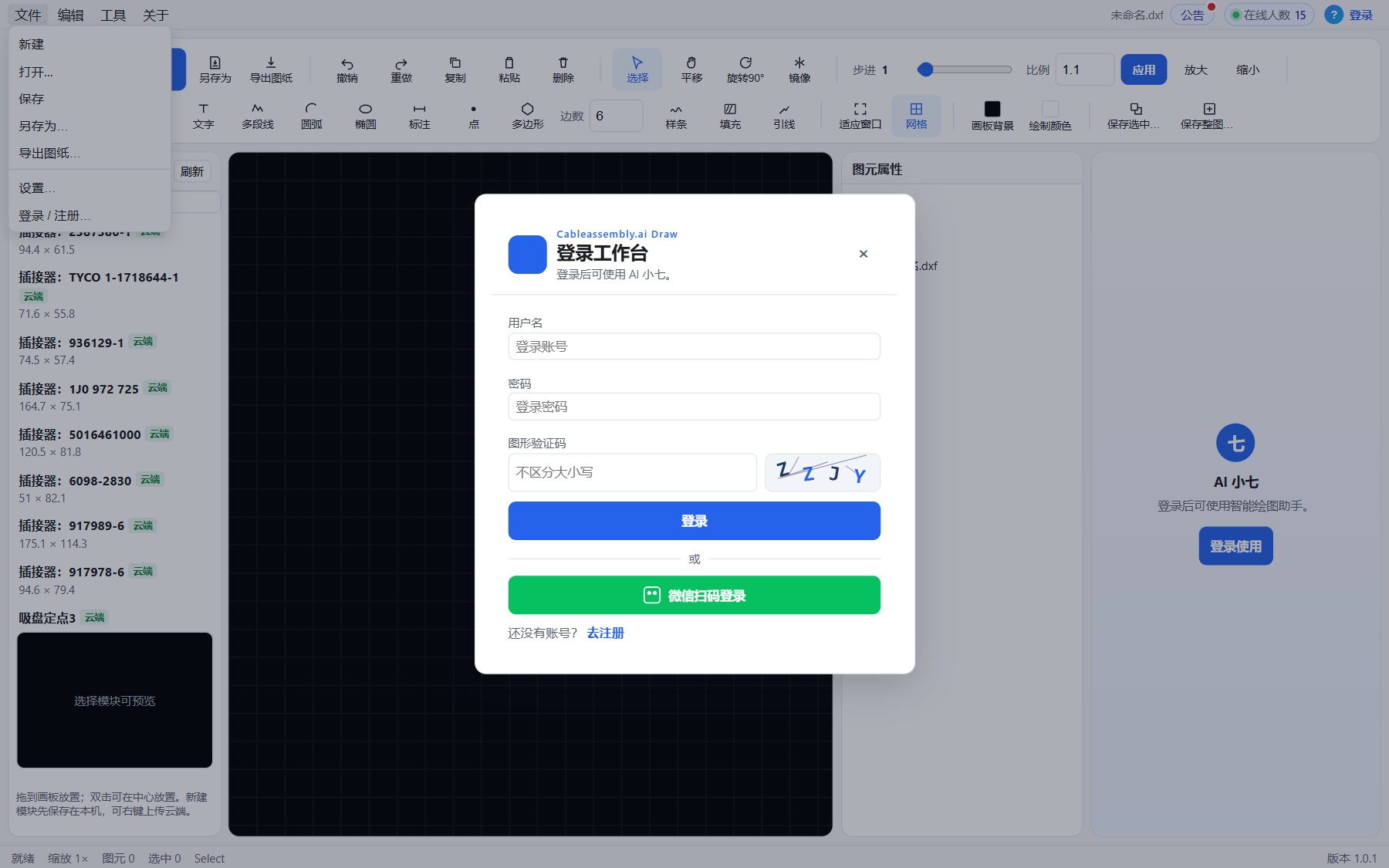
Product screens
Real Draw.Web screens so you can judge the drawing habit.
The old way vs software
Drawing is not just lines—modules, DXF and AI should serve process and production.
Scattered CAD habit
- A local CAD file on every desk
- Common symbols redrawn every time
- Edits do not reach process
- New hires learn by shadowing
- No browser collaboration door
VS
Xiaoqi CAD (Draw.Web)
- Browser harness drawing bench
- A library of reusable symbols
- DXF in and out to up/downstream
- Xiaoqi for reading drawings and Q&A
- Accounts and quotas in one place
Who it is for
- Need browser harness/cable sketches and DXF in/out
- Process/design want a module library across jobs
- Want Xiaoqi for reading drawings, Q&A and faster drafting, with shared accounts
Next
Tell us drawing formats, whether you need module review / quotas, and the demo environment. We will open a trial.